
Why do we click on links even when we know the cybersecurity risks?
DO NOT CLICK HERE.
You’ll regret it if you do.
Did you feel tempted to click for a second?
Normal.
We spend our lives clicking.
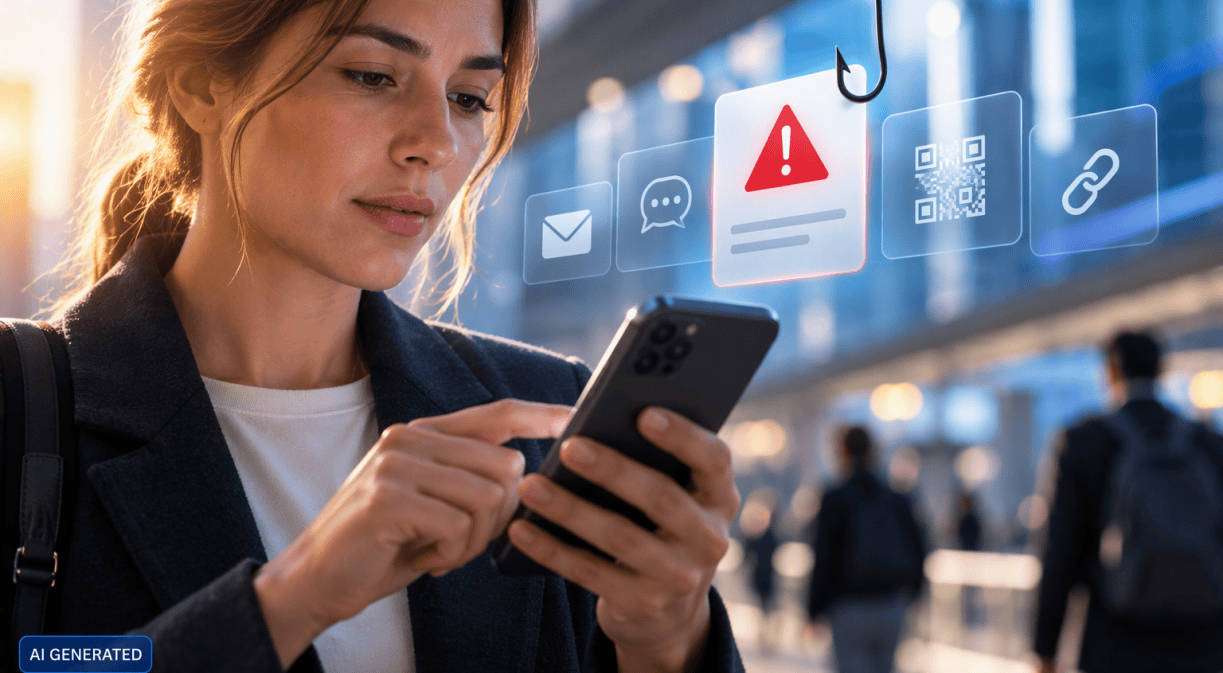
A link that arrives via WhatsApp. An alarming SMS from the bank. A QR code in a restaurant. A Microsoft Teams notification. An urgent email. A document someone shares while we are on the metro. A message from the boss just before going into a meeting.
We click without hesitating, without thinking, because that is how life works today: fast-paced, with multiple fronts to deal with and fires to put out at any given moment…
And yet, we have been on our guard for some time, with a constant warning in the back of our minds: do not open it, do not download it, check the sender, look carefully at the URL, be suspicious.
In my head, this is what I hear over and over again:
“Rober, Rober, Rober, you can’t afford to make a mistake.”
The problem is that I do make mistakes. A lot of them.
And so do you.
Why can’t phishing protection depend solely on people?
The issue is not that we make mistakes.
We make mistakes when we are in a hurry, which is quite often, when we are tired, when something looks convincing enough or simply when we are thinking about something else and let our guard down.
Our own cybersecurity requires training, common sense and good habits. That is not going to change. But I think we are asking too much if we expect people to be able to distinguish between a potential scam and something legitimate all day long, at every moment and in every situation.
Even more so now, when artificial intelligence is doing extraordinary things for all of us, but can also be used for less positive purposes, such as trying to deceive us. A phishing email no longer has to be full of spelling mistakes. It can be well written, tailored to the recipient’s context and sound entirely plausible.
This is not a theoretical threat. ENISA, the European Union Agency for Cybersecurity, identified phishing as the leading initial intrusion method in its Threat Landscape 2025, accounting for around 60% of observed cases. The agency also points to the growing use of large language models to improve phishing and automate social engineering tasks.
It may become increasingly difficult to know when we should not click.
How can technology complement protection against malicious links?
Perhaps, then, we need to change the question slightly.
Instead of asking only:
How do we stop people from clicking where they shouldn’t?
We could add another question:
What can we do to give people greater protection, even when they do click?
I find that shift particularly interesting because it introduces technology as an additional layer of protection without removing people’s responsibility or the need for caution.
It does not mean we should stop being suspicious when appropriate. It means designing systems that can help us when our attention fails.
Systems that work in the background without getting in our way. Systems that help detect certain risks and reduce exposure to specific threats.
Because perhaps good cybersecurity is precisely about protecting us without transferring all the complexity to people.
What is Mobile Network Security and how does it help protect against certain threats?
At Telefónica, we have a specific example of this approach for our business customers with Mobile Network Security, or SRM.
The idea is quite simple: to add an additional layer of protection to the mobile network.
SRM can help prevent connections to certain domains identified as being associated with phishing, malware or botnets. And it does so without the need to install an application or make additional configurations on the device.
Put another way, while someone uses their mobile phone as usual, technology can help reduce exposure to certain risks.
And here, one figure helps illustrate the scale.
By the end of 2025, SRM had already blocked more than 926 million attacks and was protecting more than two million corporate mobile lines belonging to 112,000 business customers.
I am not mentioning this because I believe a single technology can solve cybersecurity on its own.
It cannot.
No tool can replace caution, training or a comprehensive security strategy.
I find it interesting for another reason: it changes where protection takes place.
Not everything depends on the exact moment when someone has to decide whether or not the link they have just received deserves a click.
How does artificial intelligence affect phishing and cybersecurity?
There is something paradoxical about all this.
The same artificial intelligence that can help create more convincing fraudulent messages is also changing the way we respond to threats.
Technology increases the challenge, but it can also be part of the response.
The more sophisticated technology becomes, the less complexity we should pass on to the people using it.
People do not want to become experts in networks, artificial intelligence, DNS or threat detection simply to answer an email from their mobile phone.
They want to work.
Communicate.
Access their tools.
And do so with confidence.
For me, this is where the topic connects with something that lies at the heart of Telefónica: if we want to become a better gateway to digital technologies, providing access alone is not enough.
That access needs to be useful, simple and, as far as possible, secure.
And that is probably what interests me most about SRM.
It is not about users having to learn something new. It is about giving them a little less to worry about.
Why should cybersecurity combine technology, training and caution?
People will continue to make mistakes.
We will continue to be in a hurry.
AI can contribute to making some scams more difficult to recognise.
And yes, we will probably click somewhere we should not again at some point.
So the next time someone tells us:
DO NOT CLICK HERE.
We should probably listen.
But it is also worth developing technologies that do not make protection depend solely on people correctly identifying every potential threat.
Because if we do click one day, it would also be good to have technological layers of protection that can help reduce certain risks.
Glossary of phishing, DNS, malware and mobile network security
A simple glossary explained in human terms
I know that DNS, malware and all the other technical terms can sometimes feel a little overwhelming, so here is a very simple glossary. I hope it helps.
DNS
You can think of it as the Internet’s contact list. When we type in a web address or click on a link, DNS helps locate that website so that our device can connect to it.
Domain
Put very simply, it is the address of a website on the Internet. For example, telefonica.com. Some cybercriminals create fake or malicious domains to try to deceive us.
URL
It is the specific address that appears in the browser and takes us to a particular page or resource on the Internet.
Phishing
An attempt to trick us into providing information, passwords or personal data. For example, an SMS that appears to come from our bank but takes us to a fake website.
Malware
Software created with malicious intent, such as damaging a device, spying on it, stealing information or taking control of it. The familiar “virus” is just one of the many types of malware that exist.
Botnet
A network of infected devices that can be remotely controlled by a cybercriminal, often without their owners knowing that their devices are part of it.
Social engineering
Techniques designed to deceive or manipulate someone into doing something, such as clicking on a link, providing a password, downloading a file or sharing information.
Artificial intelligence or AI
Technology capable of carrying out tasks that we associate with human abilities, such as generating text, images or voice, or analysing large amounts of information. It can be used to help us, but it can also make certain scams much more convincing.
Large language models or LLMs
Artificial intelligence models capable of understanding and generating language. ChatGPT is probably the best-known example. These technologies can be used to create useful content, but they can also be leveraged to produce more sophisticated fraudulent messages.
Device
Simply our device. In this case, a mobile phone.
Mobile network
The infrastructure that enables our phone to have coverage, connect to the Internet, make calls or send data when using a mobile connection.
SRM or Mobile Network Security
A Telefónica solution that adds an additional layer of protection to the mobile network and can help prevent connections to certain domains identified as being associated with threats.
Or, to put it even more simply: you use your mobile phone as normal, while technology within the network can add an additional layer of protection against certain risks.
Frequently Asked Questions
What is phishing?
Phishing is an attempt to trick someone into providing information, passwords or personal data. For example, it may appear as an SMS that seems to come from a bank but leads to a fake website.
How can artificial intelligence be used in phishing?
Artificial intelligence can be used to create more sophisticated fraudulent messages tailored to a specific context. Large language models can also be used for tasks related to social engineering.
What is Mobile Network Security?
Mobile Network Security, or SRM, is a Telefónica solution for business customers that adds an additional layer of protection to the mobile network.
How can SRM help protect against phishing?
SRM can help prevent connections to certain domains identified as being associated with phishing, malware or botnets.
Do I need to install an application?
The service is described as providing protection without requiring users to install an application or make additional configurations on their device.
Does technology eliminate the need for cybersecurity training?
No. Caution, training, common sense and a comprehensive security strategy remain key elements of the approach outlined in this article.